
Grok Video Generator — Fast, High-Quality AI Video from Text or Images
Turn simple prompts or images into polished HD videos using Grok Video Generator. Generate cinematic clips, ads, and stories in minutes with intuitive controls and studio-grade results.
Feedback
AI Tools
Explore AI tools
MiniMax H3
MiniMax H3 AI Video Generator
Seedance 2.5
The Future of AI Video Is Here.

Seedance 2.0
The Future of AI Video Is Here.
FLUX 3 Video Generator

Kling 3.0
Next-Gen AI Video Generator
Grok Video Generator
Create Videos from Text or Images with AI
MiniMax H3 video generator
MiniMax H3 AI Video Generator

Seedance 2.0
The Future of AI Video Is Here.
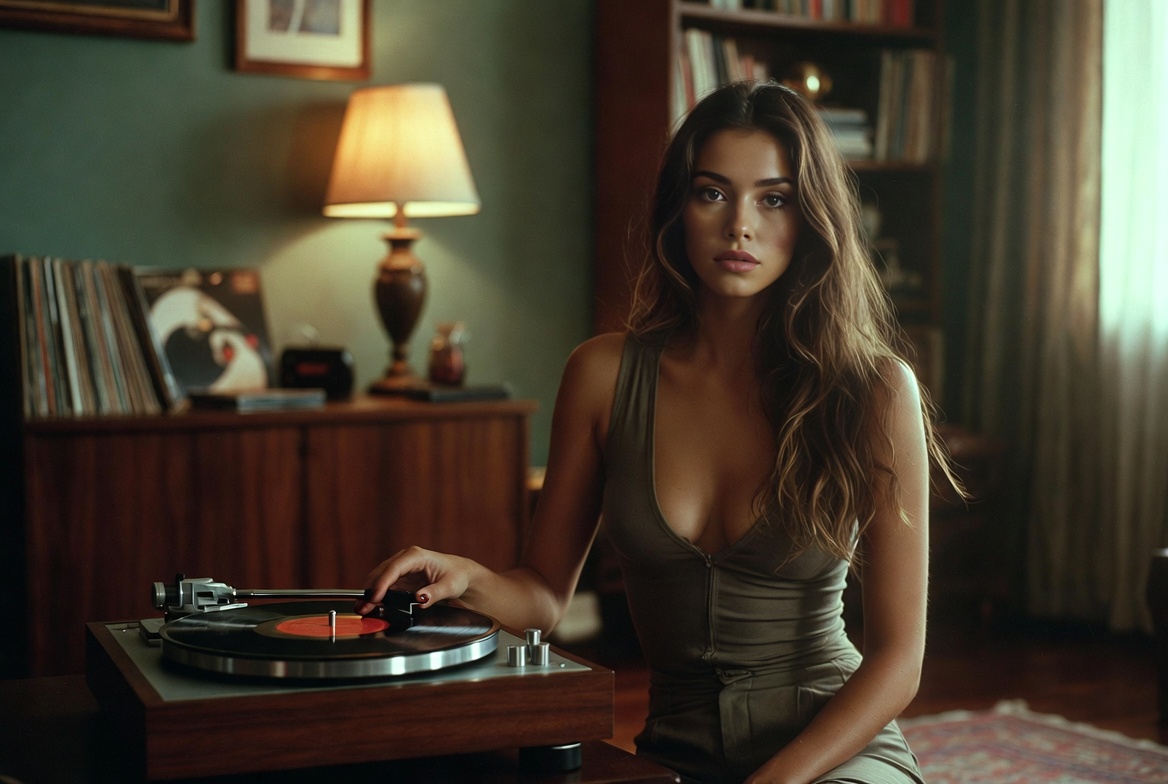
Why Choose Grok Video Generator for AI Video Creation
Grok Video Generator uses advanced AI to convert text and images into professional-quality videos quickly and reliably.
- Text-to-VideoCreate dynamic videos directly from descriptive prompts.
- Image-to-VideoAnimate photos and illustrations into motion sequences.
- Studio-Grade OutputExport crisp 1080p HD videos ready for social or commercial use.
Create Videos in Four Simple Steps
A fast, repeatable workflow to produce videos with Grok Video Generator's AI.
Powerful Features for Creators
Grok Video Generator offers precision controls, varied styles, and fast rendering for creators and marketers.
Complex Scenes
Compose multi-character and layered sequences.
Natural Motion
AI-driven movement for lifelike results.
Diverse Styles
Switch between cinematic, documentary, or stylized looks.
HD Export
Deliver 1080p videos optimized for sharing and ads.
Fine Control
Adjust pacing, framing, and visual effects.
Fast Turnaround
Quick renders so you can iterate rapidly.
Frequently Asked Questions
Answers to common questions about creating videos with Grok Video Generator.
What is Grok Video Generator?
A tool that turns text and images into finished videos using AI-driven synthesis.
What types of videos can I create?
Short social clips, product ads, story-driven scenes, and promotional content.
How long does generation take?
Typical generation time is 2–3 minutes, depending on length and quality settings.
Can I download my videos?
Yes — export videos directly; premium accounts may remove watermarks and enable higher resolutions.
Can I use generated videos commercially?
Commercial rights depend on your plan; check the license for premium usage terms.
What quality options are available?
Choose from 480p, 720p, and 1080p HD exports.
Start Creating with Grok Video Generator
Make your first HD video in minutes — try Grok Video Generator for free and download your creations.